
I have read the Privacy Policy and I agree to the collection and processing of my personal data
Organize your workspace with Microsoft Loop
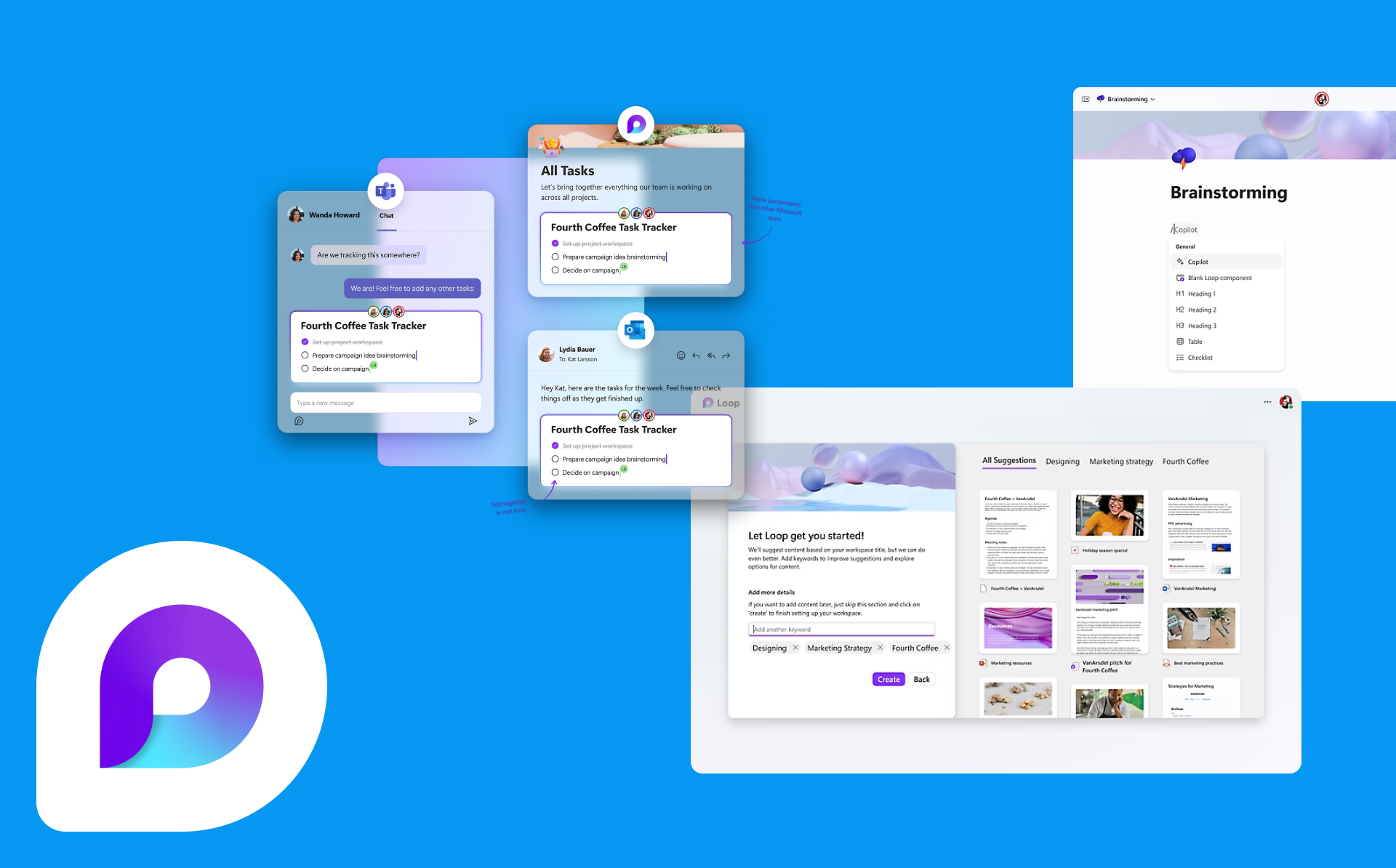
Microsoft Loop is a powerful tool that helps you organize your team’s workspace and ensure effective collaboration. With it, you can:
- Create a central “concept” for your project or team. This can be a whiteboard where you collect all important materials such as documents, notes, tasks, media files, and more. This will allow all team members to have access to the necessary information in one place.
- Work on a project with your team in real time. You can create, edit, and comment on documents at the same time, which facilitates fast and efficient collaboration.
- Create tasks and reminders right in the context of your project. You can assign tasks to team members, set deadlines, and monitor their progress. This helps keep your schedule organized and ensures that tasks are completed on time.
- Loop integrates with various Microsoft tools, such as Microsoft Teams, Outlook, SharePoint, and others. This allows you to easily share information, view event calendars, and communicate with your team in a convenient way.
- With Loop’s built-in data visualization capabilities, you can create charts, graphs, and other interactive visuals to better understand and present your data.
Overall, Microsoft Loop helps you create an organized and productive workspace for your team. It simplifies collaboration, keeps all the information you need in one place, and ensures efficient organization of workflows.
